
Understand what your robot policy does.
Run a policy, inspect a failure, and test a candidate without rebuilding the experiment. Start entirely in simulation, with no physical robot required.
 Tether Studio PushT evaluation
Did the change help?
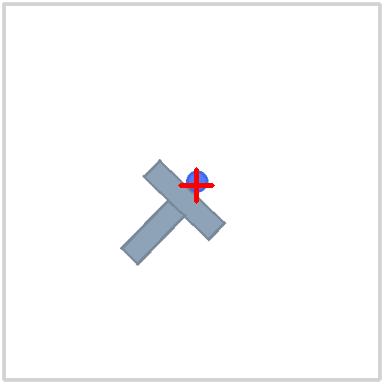 Episode 1
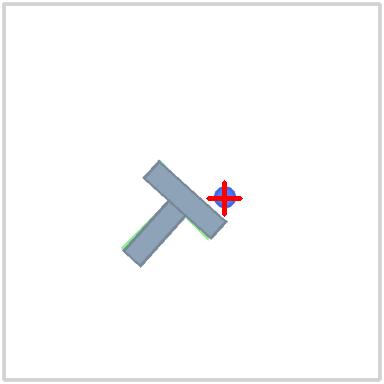 Episode 1
Real saved frames. Sampled replay; the final frame is each policy’s episode end.
Replay a recorded episode and inspect what the policy actually did.Discuss your policy
Condensed workflow preview. Not a live application.
Your work in Tether Studio
Observe → Investigate → Change → Compare → Decide
Run and observe
Use a prepared simulation workspace to run a controller or a supported trained policy. Keep the actual configuration, task settings, and recording.
Inspect and investigate
Replay observations and actions, select a moment or segment, and inspect timing and logs. Keep observed facts separate from possible explanations.
Compare and decide
Test a candidate with matching task settings and seeds. Review outcomes, timing, and regressions side by side, then keep the baseline or candidate.
Preserve the result
Return to saved runs and investigations, retain comparison decisions, and prepare supported simulation packages with their evidence.
Start with your use case.
Tether Studio currently focuses on local simulation workflows. Hardware connections, fleet deployment, and broader training workflows are still being developed. Simulation results are not a claim of readiness on a physical robot.
Tell us what you are working on so we can discuss the workflows that fit.
Contact FastCrest